Been a bit since I posted. Life keeps on.
I’m still in full time ministry – I have been on staff at Fellowship Greenville now for 21+ years. A few months ago, I was moved from the AVL department to the IT department – I am now a full time Network Administrator!
It’s been fun to take some of our network closets from looking like this:
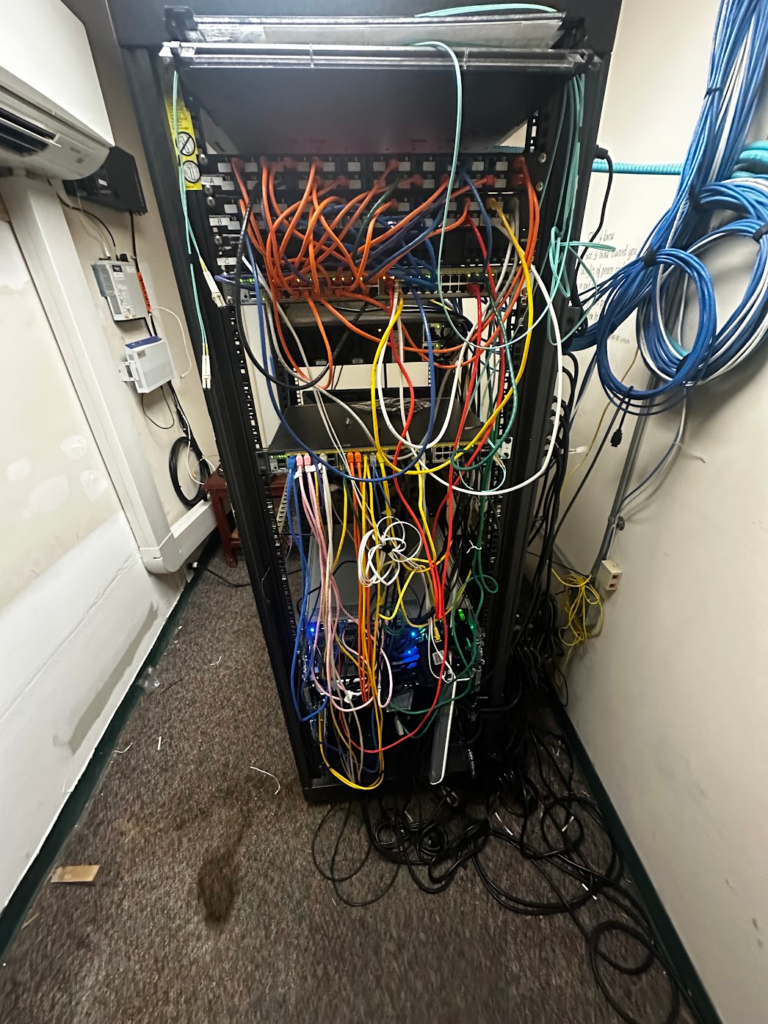
To this:
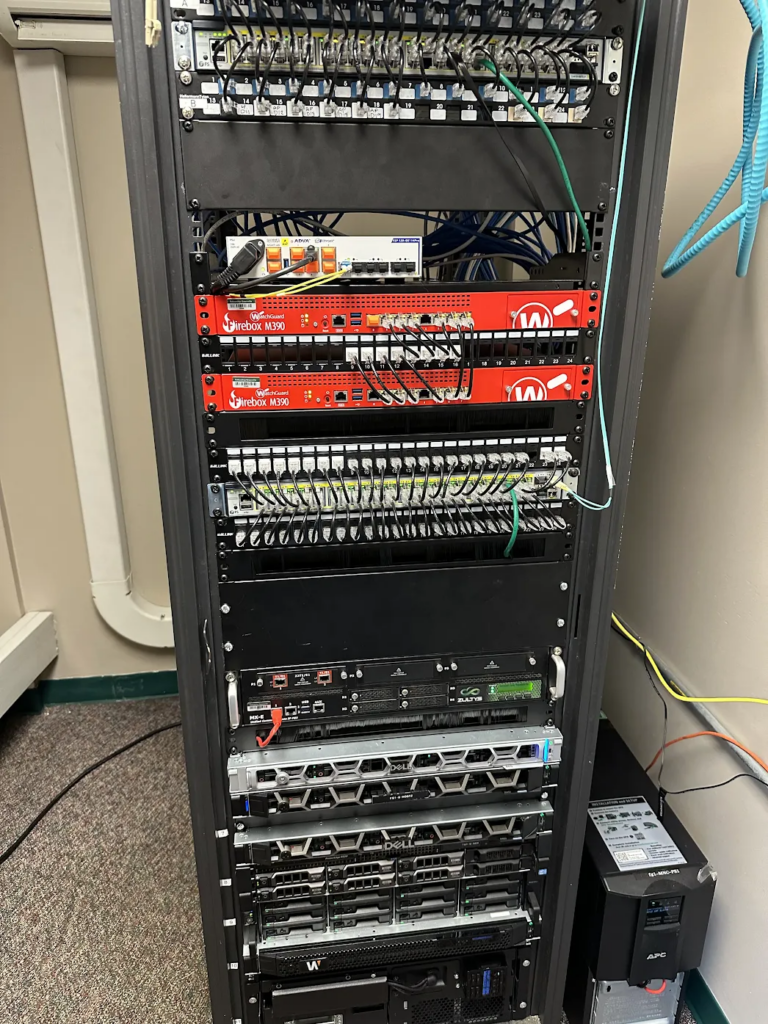
So now my days are filled with VLANs, subnets, and bringing stability to our multi-site network. I’m also working on a new SaaS for network management that I hope to launch soon. It’s quickly become my primary tool for network visbility and control.
I still have a deep love for AVL though, and I recently decided to make an application to natively drive PTZ cameras of many different brands like Sony, Panasonic, Canon, Bird Dog, PTZOptics (and whatever supports VISCA!) using gaming controllers and drone controllers. You may recall my experiments with gaming controllers when I released gamepad-io. I wanted to make something easy to use and help make operating PTZs easier for churches.
So, here’s my new app: PTZ Pilot!
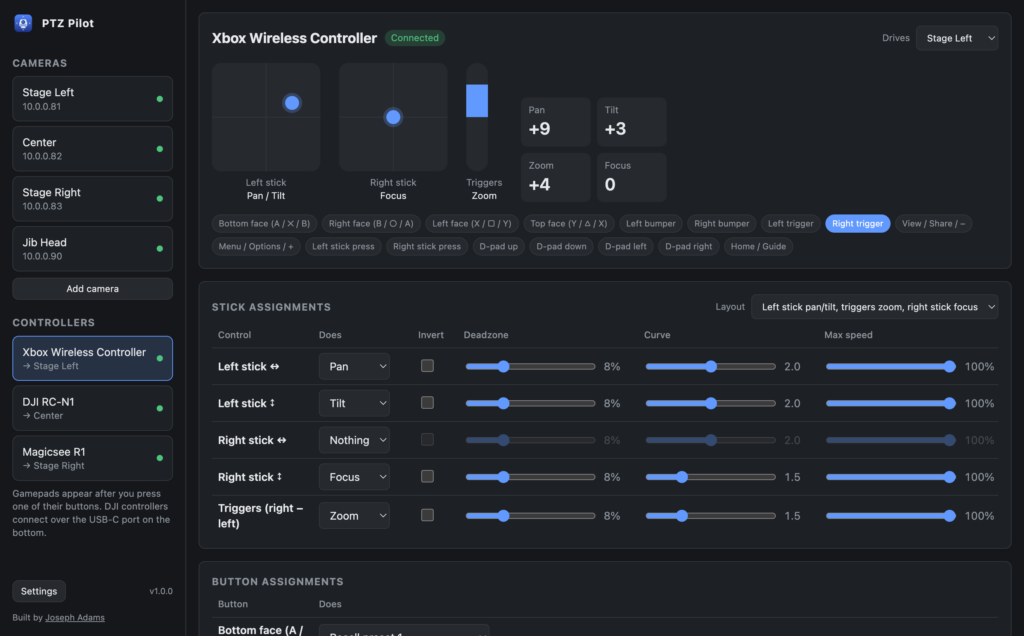
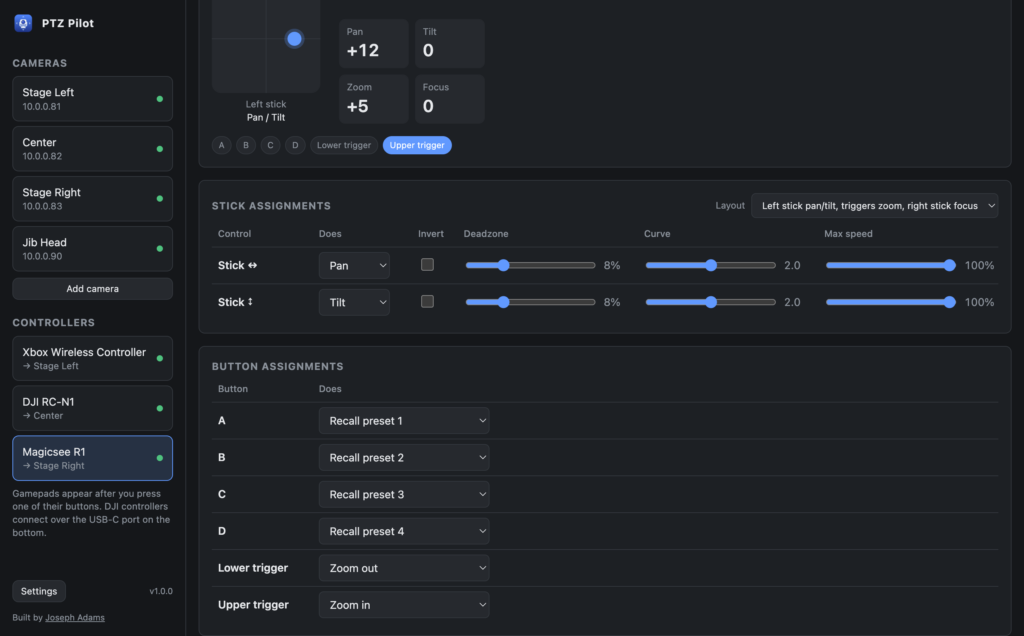
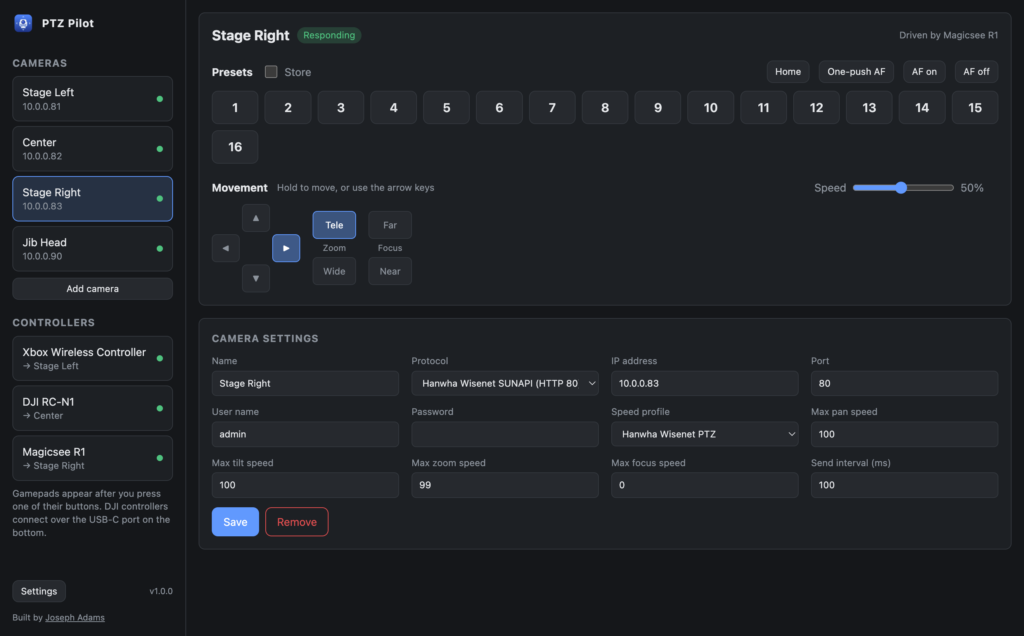
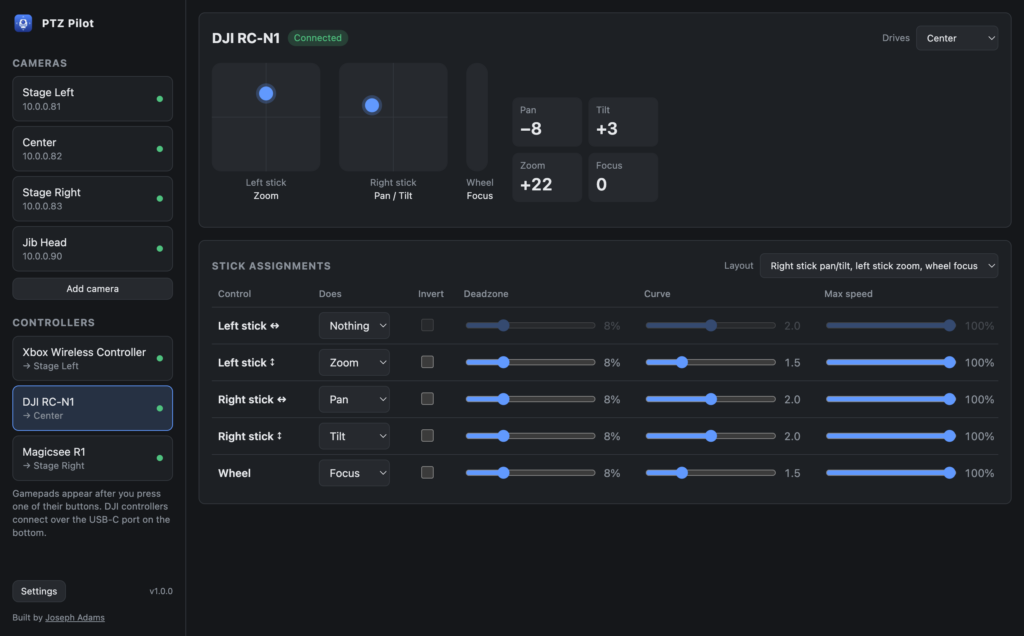
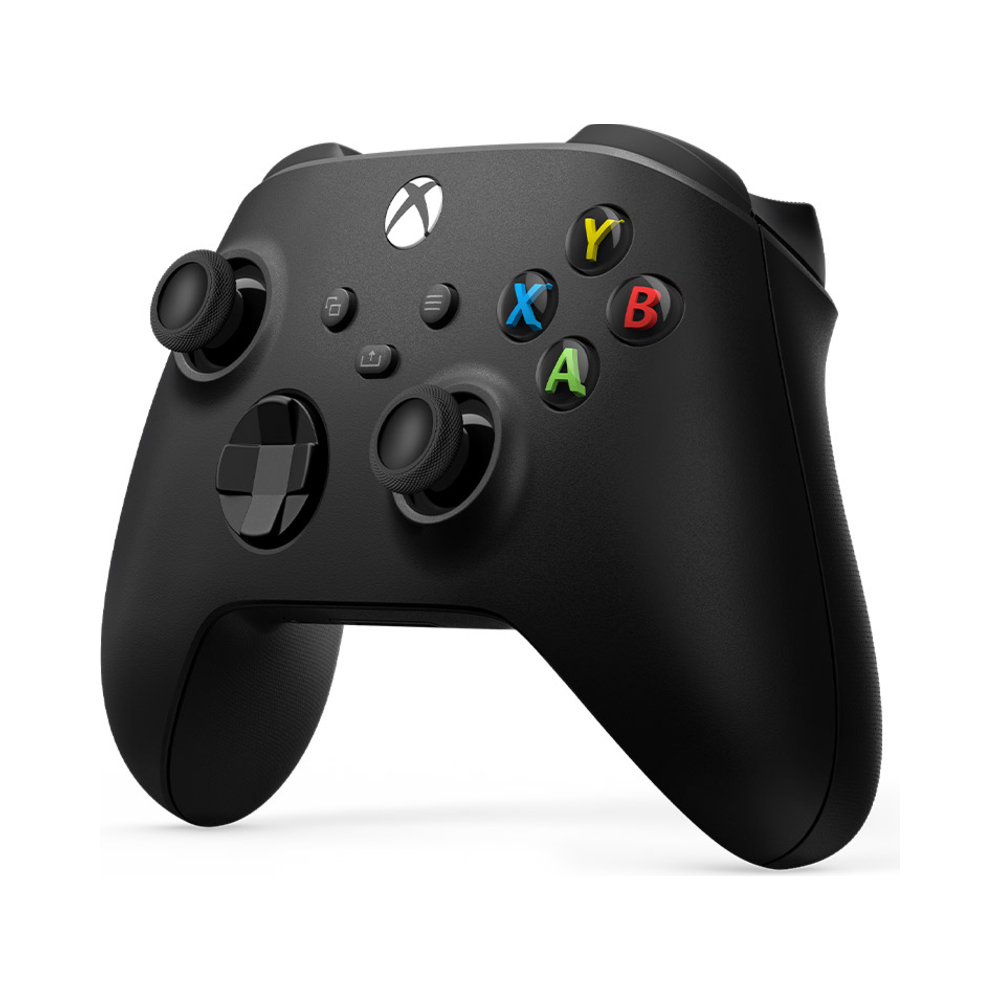
It supports any gaming controller, like an Xbox controller.
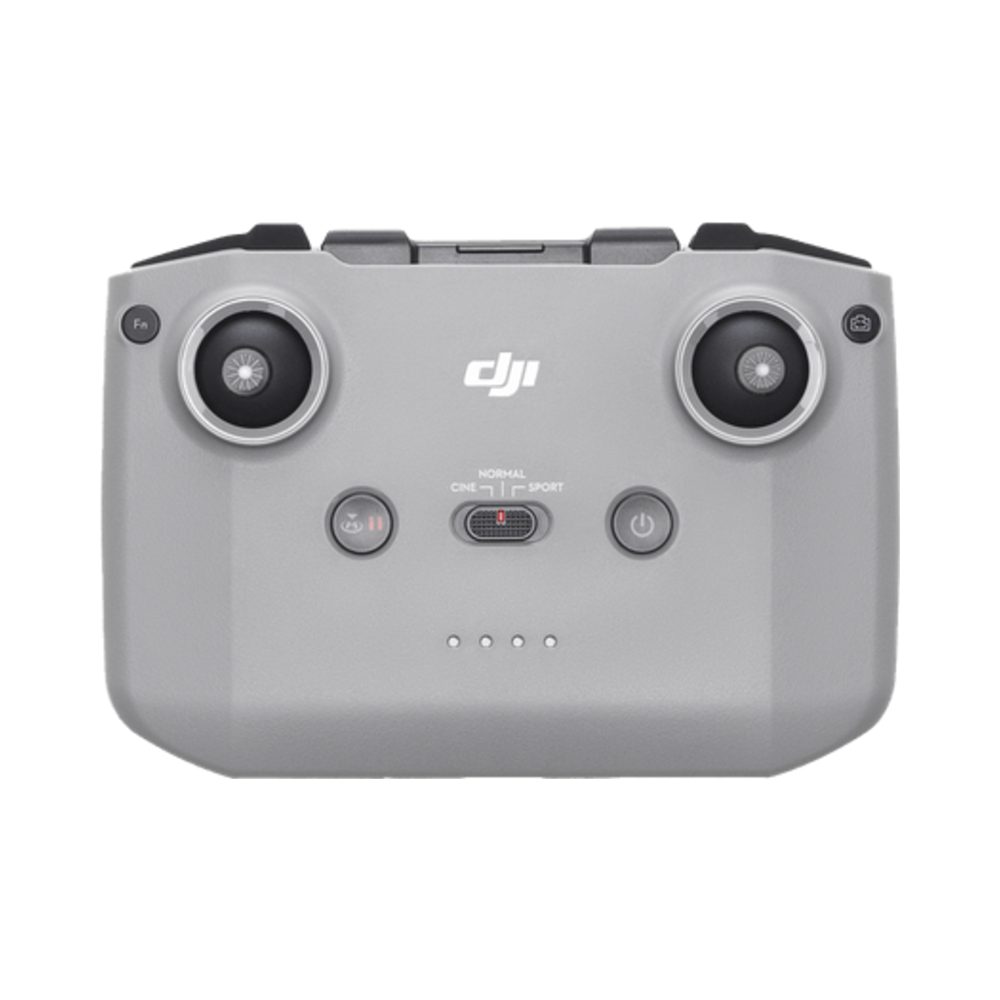
You could use a DJI RC-N1 with it.
I even added support for this cool little MagicSee R1 ring joystick.

It’s written in Electron and typescript and all the good things. It’s free because I want to serve the church! You can download it from Github right here: https://github.com/josephdadams/ptz-pilot/releases
I typically release my apps for MacOS, Windows, and Linux, but I decided that I don’t really like having to support Windows because I don’t use it, so for my free apps, I am just going to release for MacOS from now on unless I happen to need it for another OS. You can always compile it yourself if you absolutely need it on Windows.
Oh, just for fun, I made it support security cameras like Hikvision and Hanwha so I could even use it at home. So you can control any ONVIF camera with it also!
PTZ Pilot also has a Companion module so you can interact with the app remotely as well. You can select which camera shows in PTZ Pilot’s window, assign a controller to a camera, step a controller to the next or previous camera, and more. That’s already in Companion, so search for it there and add it!
Lastly – if you you need custom software solutions for your church or business, please reach out to me. I am trying to do more side work to provide for my family.